LetBroCook
Postman: What you need to know for your project
Getting Started
Free Online HTTP Test Services (to play around)
Import a Test Collection
-
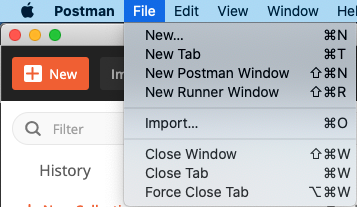
File > Import …
-
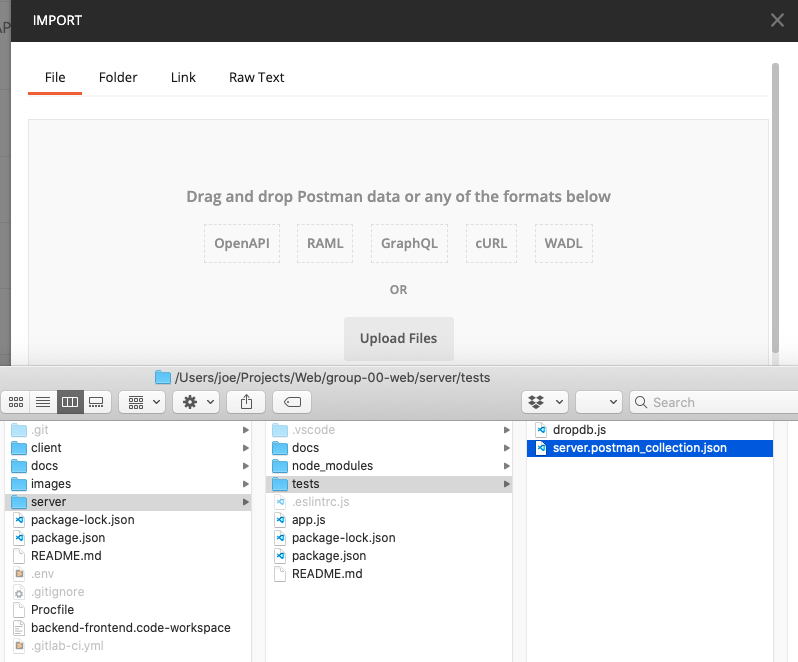
Choose file tests/server.postman_collection.json
Run a Test Collection
-
Create a new empty environment in Postman in the top right corner via
Add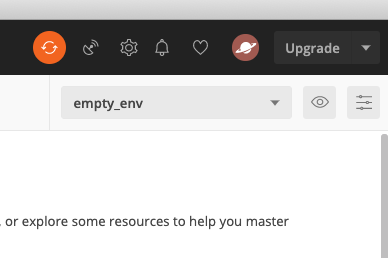
- Start your backend server in the terminal via
npm run dev -
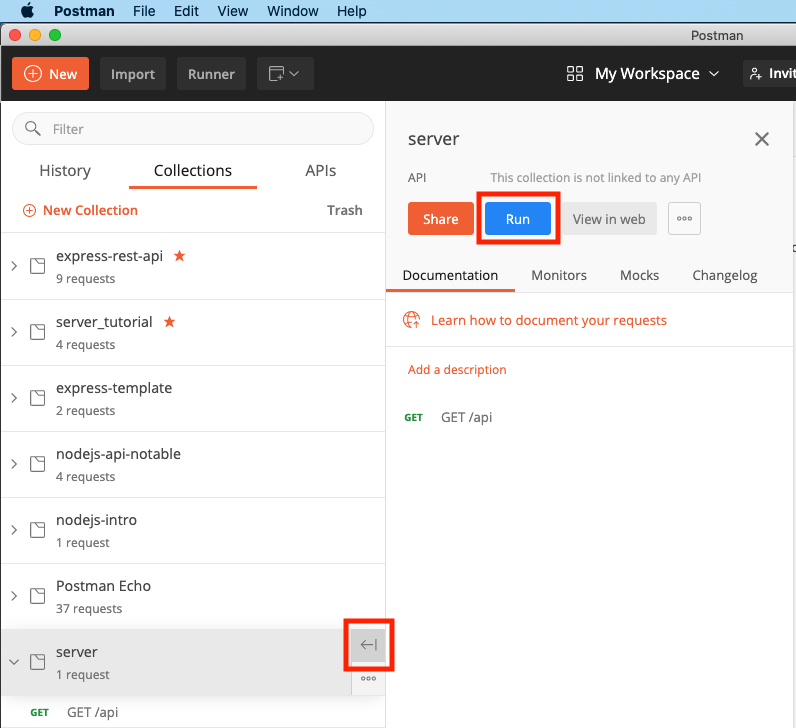
Run the collection
-
Select your empty environment and click
Run server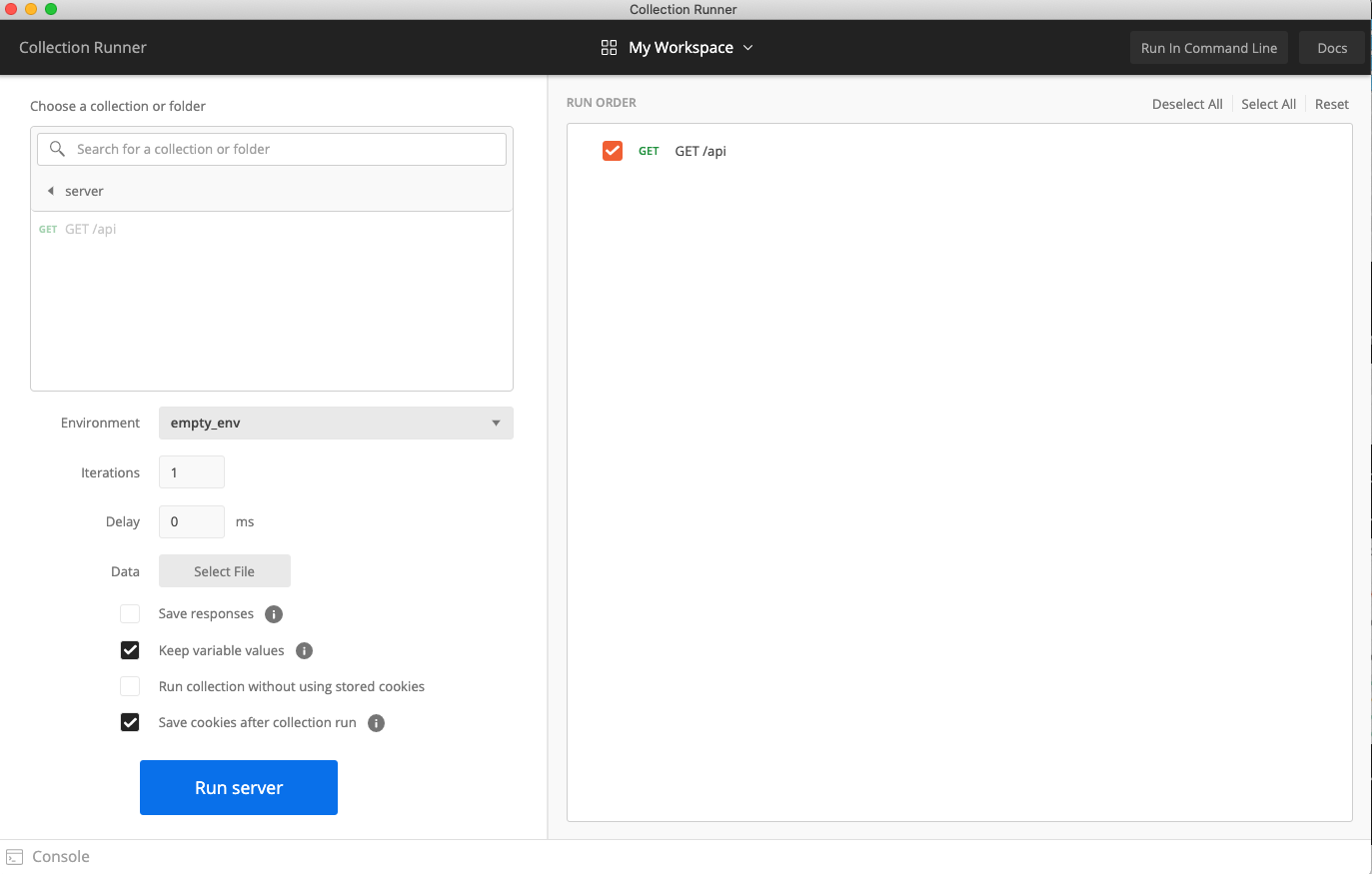
Export Test Collection
-
In the extended menu
...of your collection, clickExport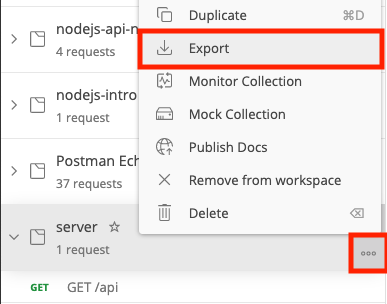
-
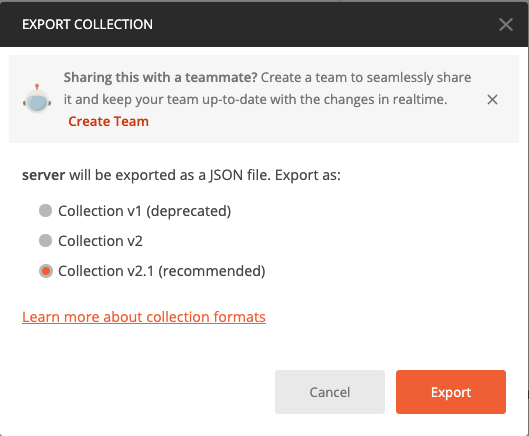
Choose the latest export format (v2.1)
-
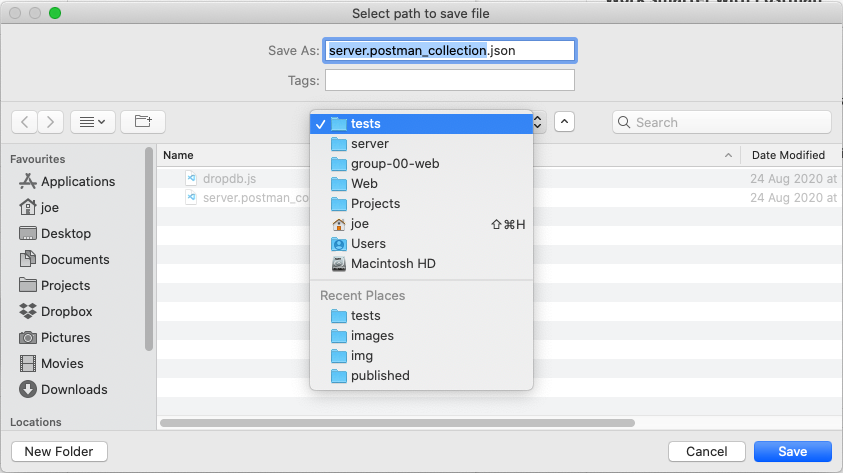
Overwrite the file tests/server.postman_collection.json
-
Run
npm testin your terminal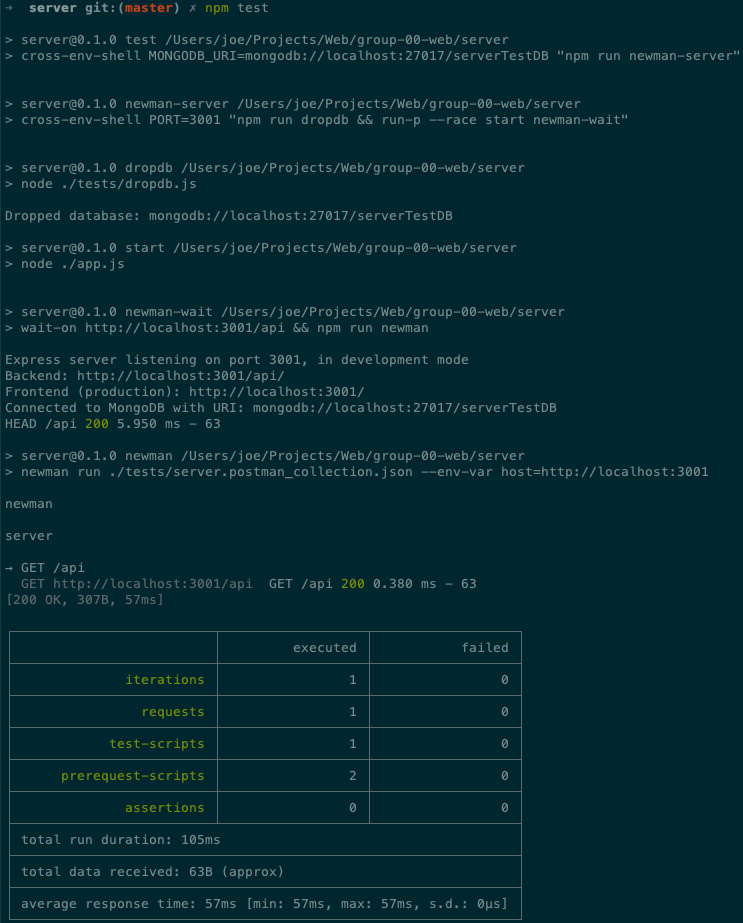
Test script assertions
Chaining Requests via Postman Variables
Make sure your test collection works on an empty database!
Whenever you create an object that you want to use later (e.g., to retrieve, update, delete), you need to save its _id to a Postman environment variable for later re-use:
-
Save the
_idof created objects for later request viapm.environment.set("camel_id", jsonData._id);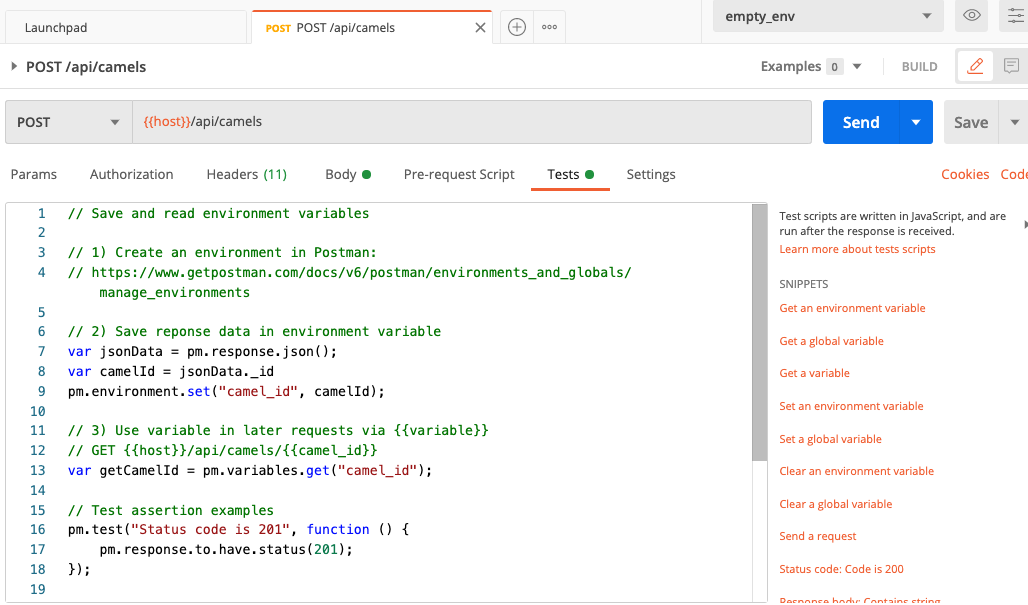
-
Use variables in later requests in Postman via `` or in Postman scripts or via
pm.variables.get("camel_id");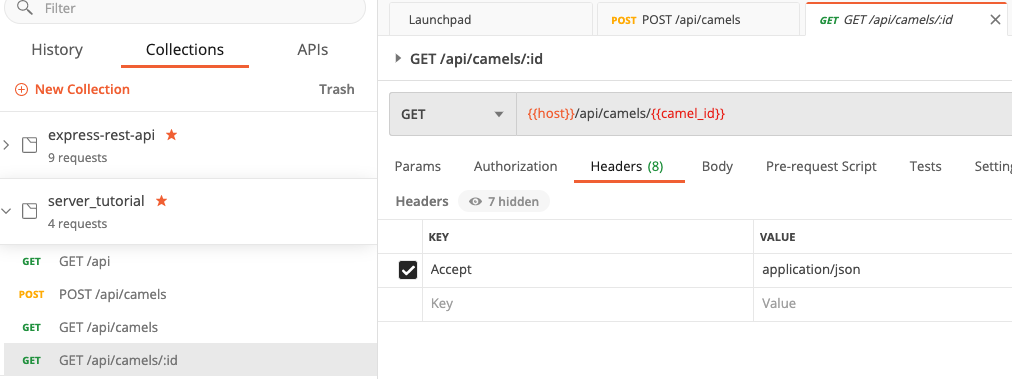
Check out the following documentation for more info:
- Extracting data from responses and chaining requests
- NOTE: Uses the deprecated environment variable syntax. Replace
postman.setEnvironmentVariable(...)withpm.environment.set(...)
- NOTE: Uses the deprecated environment variable syntax. Replace
- Example in the express-rest-api tutorial used in the lecture
- Postman detailed docs about variables